
Consultation Hotline
+1 (302) 618-8777
+1 (302) 618-8777
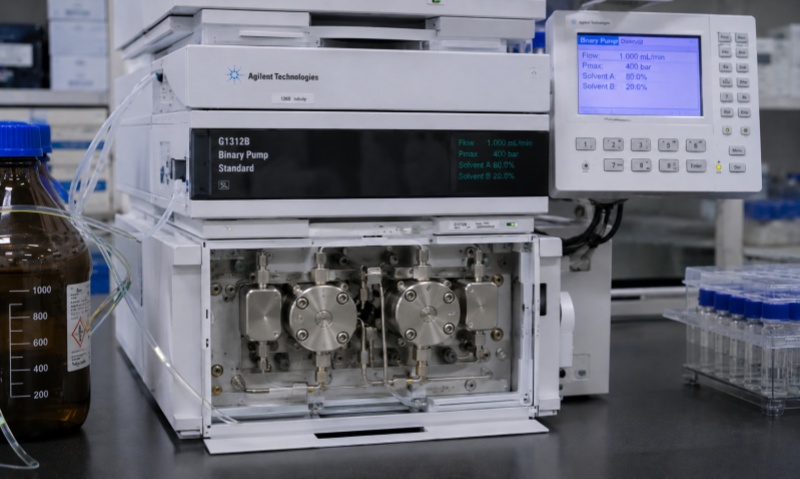
Shimadzu chromatography workstations are widely used for data acquisition, instrument control, chromatographic analysis, and report generation. In daily laboratory operation, however, users may encounter software, communication, data, and configuration problems that affect workflow efficiency. Understanding common fault types can help technicians identify problems quickly and reduce unnecessary downtime.
One of the most common problems is the workstation failing to communicate with the HPLC or GC system. Symptoms may include the instrument appearing offline, commands not being executed, or acquisition failing to start. Possible causes include incorrect communication settings, disconnected cables, network problems, or instrument-control services not running properly.
Sometimes the workstation can control the instrument but cannot collect chromatographic data correctly. No signal, incomplete data files, abnormal baselines, or interrupted acquisition may occur. Users should check detector connections, acquisition channels, instrument status, and software configuration before restarting the sequence.
Incorrect analytical methods can lead to unexpected results. Problems may involve flow rate, temperature, detector wavelength, injection parameters, integration settings, or sample information. Carefully reviewing the method before analysis is an effective way to prevent configuration-related errors.
Incorrect peak integration is another frequent issue. Peaks may be missed, incorrectly split, or integrated at unsuitable baselines. Users should review integration parameters and manually inspect important chromatograms rather than relying entirely on automatic processing.
The workstation may occasionally experience slow startup, software crashes, database errors, or difficulties generating reports. These problems can be related to system resources, database configuration, software compatibility, or insufficient storage space. Regular data backup and proper computer maintenance can reduce the risk of data loss.
In practice, most workstation problems can be resolved by checking the communication path, software settings, instrument status, and data-processing configuration step by step. For persistent failures, users should follow Shimadzu's official service procedures or contact qualified technical personnel rather than modifying critical system files or hardware without authorization.