
Consultation Hotline
+1 (302) 618-8777
+1 (302) 618-8777
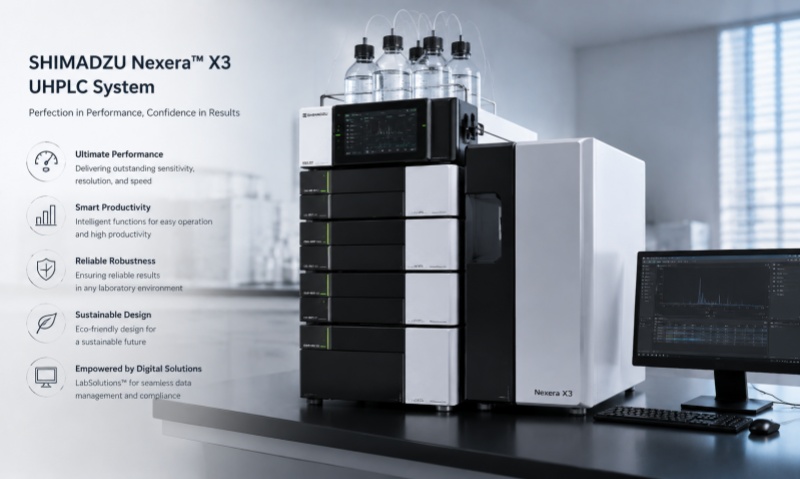
Shimadzu chromatography workstations are widely used for HPLC, GC, and other analytical applications. As the software platform responsible for instrument control, data acquisition, chromatogram processing, and report generation, the workstation plays an important role in laboratory operations. However, connection errors, communication failures, abnormal data acquisition, and software crashes can occasionally affect routine analysis. The following are five common failure types and practical troubleshooting approaches.
One of the most common problems is the workstation failing to communicate with the chromatograph. The software may display an instrument connection error or show the instrument as offline.
Possible causes include loose communication cables, incorrect network settings, disabled communication services, or an incorrectly configured instrument profile. First, check all physical connections and restart the instrument and workstation if appropriate. Confirm that the instrument configuration matches the actual hardware. If network communication is used, verify the network connection and relevant IP settings.
Sometimes the instrument can be controlled normally, but the workstation fails to acquire chromatographic data. The chromatogram may remain blank or stop recording during an analysis.
Potential causes include incorrect acquisition parameters, communication interruptions, insufficient disk space, or problems with the detector signal connection. Check the acquisition method, detector configuration, signal channel, and available storage space. Running a controlled test injection can help determine whether the problem originates from the instrument or software.
Workstation software may occasionally become unresponsive, particularly when processing large datasets or running multiple applications simultaneously. Insufficient computer resources, software conflicts, corrupted files, or operating-system issues can contribute to this problem.
Save experimental data whenever possible and close unnecessary applications. Restart the workstation and check whether the problem occurs repeatedly. Regular data backup and appropriate software maintenance can reduce the risk of data loss.
Another common issue is incorrect peak integration or unexpected calculation results. Peaks may be missed, incorrectly integrated, or assigned unsuitable baseline parameters.
In this situation, check the processing method rather than immediately assuming that the chromatograph has malfunctioned. Review integration parameters, baseline settings, peak identification criteria, calibration curves, and calculation formulas. Comparing the current method with a previously validated method can help identify configuration changes.
Users may sometimes encounter errors when generating reports or exporting analytical results. Common symptoms include missing chromatograms, incorrect report fields, formatting errors, or failed data export.
Check the report template, file path, user permissions, available storage space, and selected export format. Avoid changing original analytical data directly during troubleshooting. Important laboratory records should be backed up before performing major software maintenance.
The five common Shimadzu chromatography workstation problems—communication failure, data acquisition failure, software freezing, abnormal chromatogram processing, and report or data-export problems—can often be traced to configuration, communication, computer-resource, or method-processing issues. A systematic troubleshooting process should begin with simple checks before moving to advanced diagnosis.
For regulated or critical laboratory applications, software configuration, data integrity, backup, and instrument maintenance should be managed according to laboratory procedures and applicable quality requirements. When problems persist, qualified technical personnel should be contacted rather than making unauthorized changes to the workstation software or instrument configuration.