
Consultation Hotline
+1 (302) 618-8777
+1 (302) 618-8777
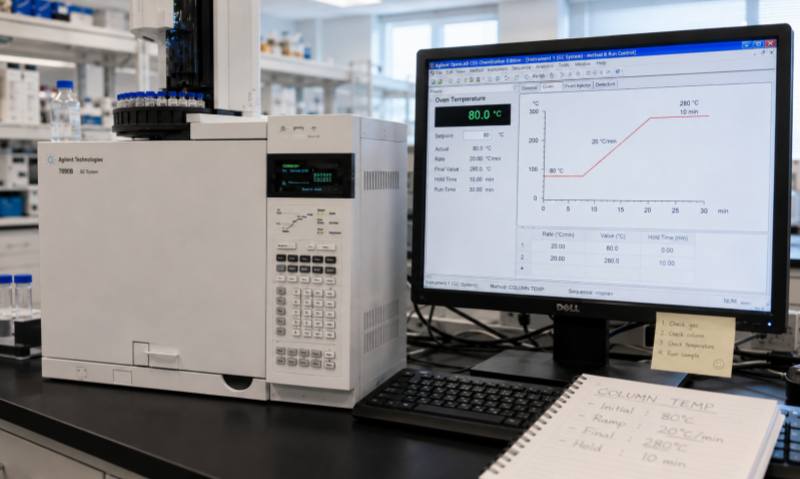
A digital force gauge is a precision instrument used to measure tensile force, compression force, pull-off force, insertion force, and other mechanical loads. It is widely used in manufacturing, quality control, materials testing, laboratories, and product inspection. Because measurement accuracy depends on both the sensor and electronic system, regular inspection and proper troubleshooting are essential for reliable results.
If the force gauge cannot start, first check the power adapter, charging cable, battery, and power switch. For battery-powered models, insufficient battery capacity is a common cause. Connect the instrument to the correct charger and allow sufficient charging time.
If the display remains blank after charging, inspect the power connector and fuse if accessible. Internal power circuits should only be inspected by qualified technicians.
Unstable readings may result from sensor vibration, loose connections, electromagnetic interference, or mechanical loading during measurement. Place the instrument on a stable surface and ensure that the measuring fixture is securely installed.
Check the connection between the load cell and main unit. Avoid applying side loads or sudden impacts to the sensor, as these may produce unstable readings or permanently damage the load cell.
If the displayed force differs significantly from a known reference, first confirm that the correct measurement unit and operating mode have been selected. Check whether the instrument has been properly zeroed before testing.
Calibration should be performed using an appropriate standard load according to the manufacturer's procedure. If calibration repeatedly fails, the load cell, internal electronics, or mechanical structure may require professional inspection.
Applying a load beyond the rated capacity is one of the most serious causes of force-gauge failure. Overloading can permanently deform the load cell and cause measurement errors.
If the instrument displays an overload warning or continues showing a significant force value after the load is removed, stop using it immediately. Check the mechanical fixture and sensor for deformation. A damaged load cell generally requires replacement rather than simple adjustment.
Unresponsive buttons may be caused by contamination, mechanical wear, software abnormalities, or moisture entering the control panel. Clean the external surface carefully and restart the instrument.
If only certain display segments are missing or the screen remains abnormal after restarting, the display connection or electronic circuit may need professional repair.
Keep the force gauge clean and dry, store it in a protective case when not in use, and avoid impacts, excessive vibration, and extreme temperatures. Inspect measuring attachments and fixtures regularly for wear or deformation.
Periodic calibration is particularly important for instruments used in quality-control or regulated applications. Maintain calibration records and remove instruments from service if their accuracy cannot be verified.
Effective force-gauge maintenance should follow a systematic process: check the power supply, inspect the sensor and mechanical connections, verify zero stability, confirm calibration, and then examine the electronic system. Simple problems can often be resolved through proper adjustment and cleaning, while sensor damage, circuit failures, and calibration abnormalities should be handled by qualified technicians. Regular preventive maintenance can improve measurement accuracy, reduce downtime, and extend the service life of the instrument.